Daewoong Pharmaceutical · 2021–2022
Real-Time Encapsulation Quality Detection
AI Engineer
Problem
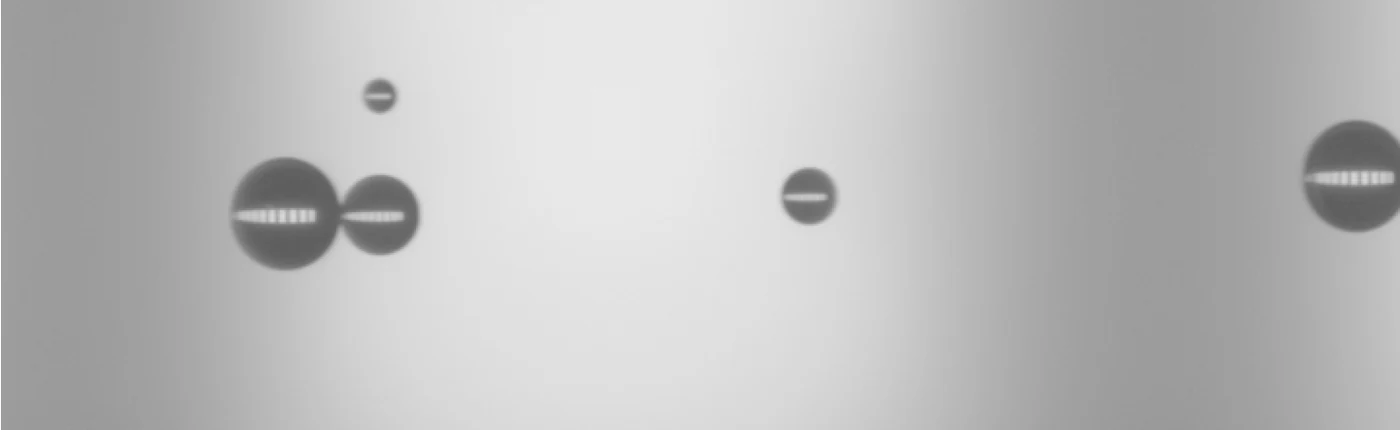
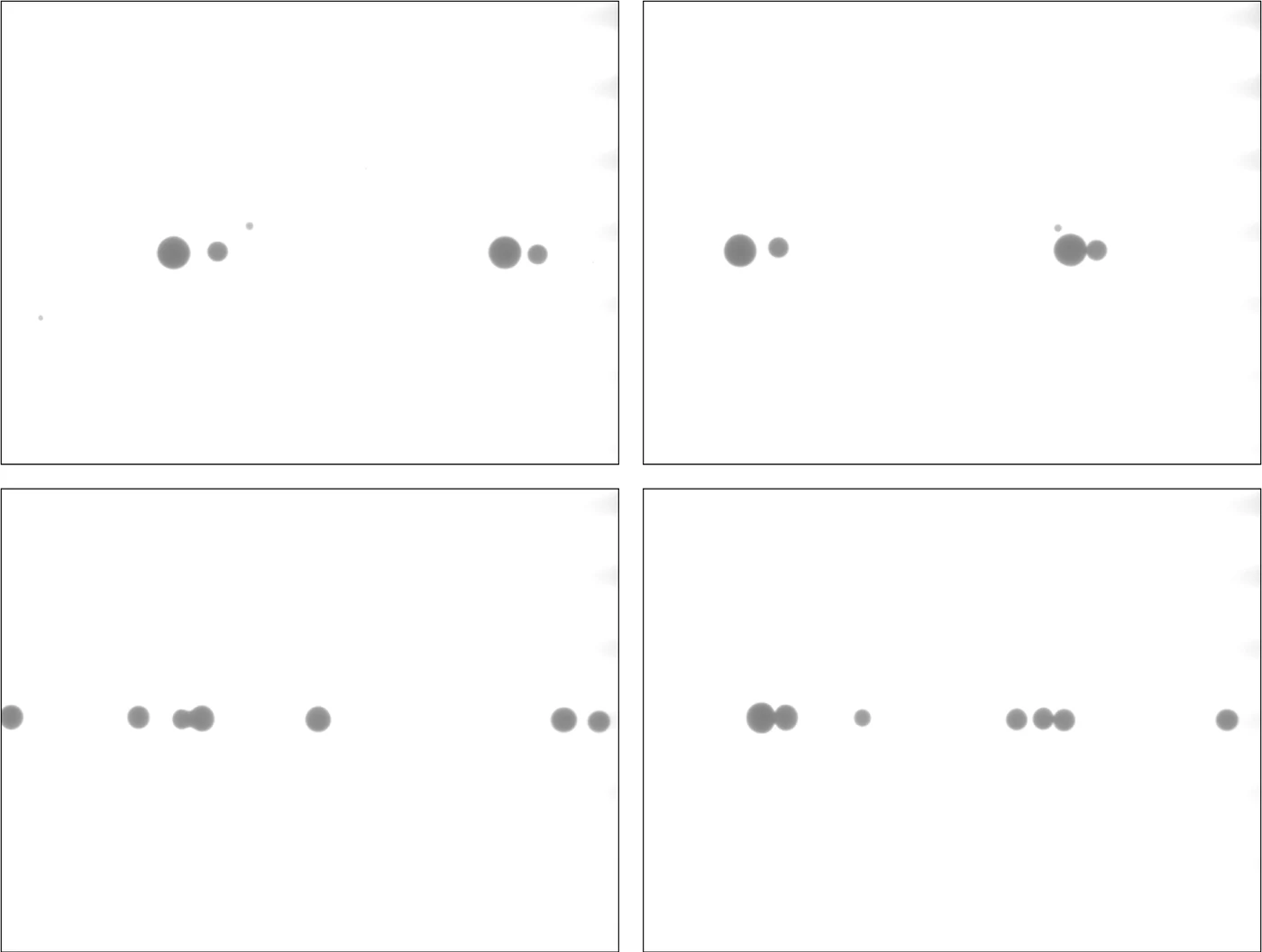
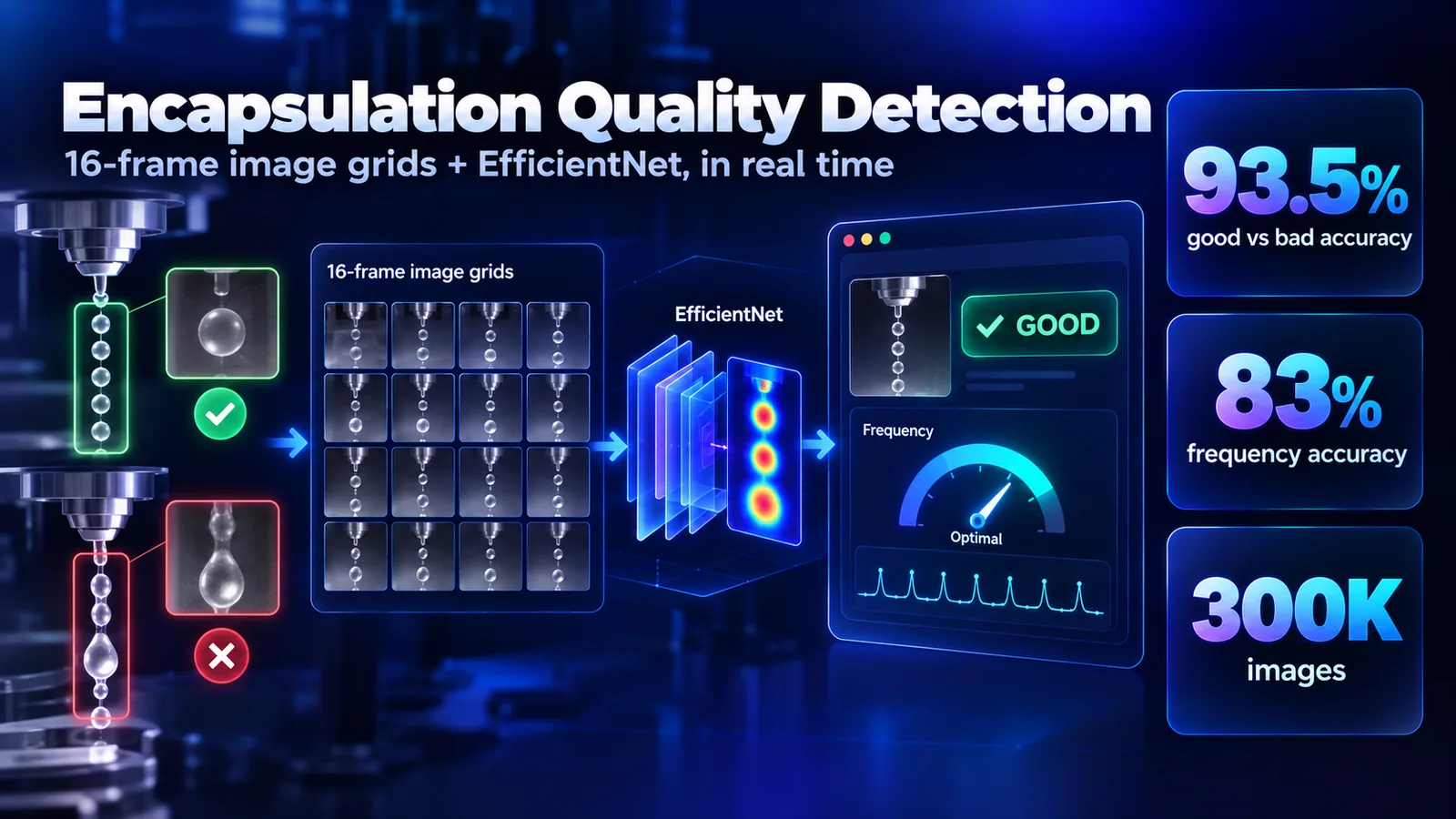
Encapsulation only preserves a material when droplets come out equal in size and shape, in a straight chain with even spacing. Bad settings give uneven droplets, unstable flow, and coalescence. The team needed to tell from the camera feed whether the process, and its frequency setting, was good.
Approach
From 300K raw images across 22 frequency settings, frequencies with high success rates were labeled good. A single frame can mislead, so I tiled 16 sequential frames into one 2D image grid, which keeps the temporal information at far lower cost than a 3D model and still supports class activation maps. An EfficientNet classifier predicts good or bad, a second model predicts the frequency range, and activation-map checks confirmed the models look at the droplets.
Architecture
Hover a component to trace its connections · drag to pan · use + / − to zoom
- Source
- Processing
- Model
- Data store
- Output
How It Works
- CaptureThe encapsulator camera saves frames to a folder as the machine runs.
- Grid16 sequential frames are tiled into one square image grid.
- ClassifyAn EfficientNet model predicts good or bad encapsulation, and a second model predicts the frequency range (450 is optimal).
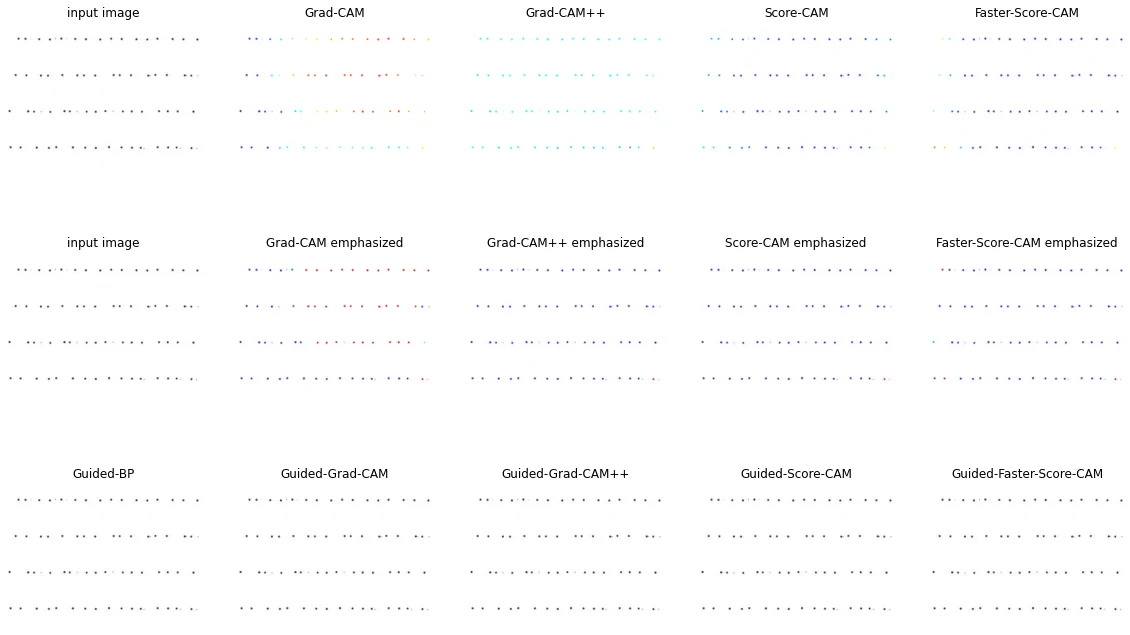
- ExplainGrad-CAM, Grad-CAM++, Score-CAM, and Faster Score-CAM show which regions drive each prediction.
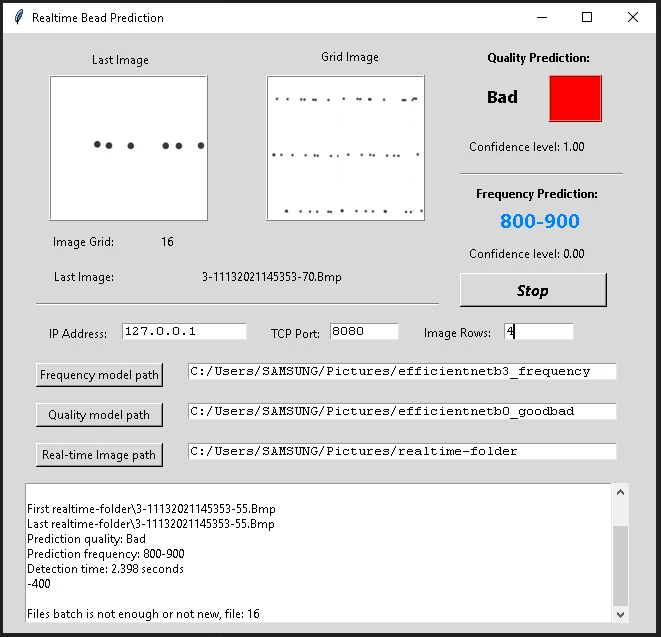
- ShowA desktop app displays the prediction, a console log, and image details in real time.
What I Built
- The image-grid dataset: 16 sequential frames per sample, built from 300K raw images across 22 frequency settings.
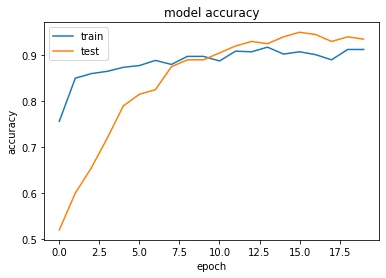
- An EfficientNet-B0 good/bad classifier (93.5% test accuracy) and an EfficientNet-B3 frequency-range classifier over 8 classes (83% test accuracy).
- Model validation with Grad-CAM, Grad-CAM++, Score-CAM, and Faster Score-CAM.
- A standalone real-time GUI (Tkinter, packaged with PyInstaller) that watches the camera’s output folder, so operators run it without installing Python or TensorFlow.
Impact
The good/bad model reached 93.5% test accuracy and the frequency model 83%, with activation maps focused on the droplets. The app ships as one executable that runs beside the machine and updates predictions as new frames arrive.
Screenshots & Figures